📱 Tech Tip: The Hidden iPhone Shortcuts You Unlock by Long-Pressing
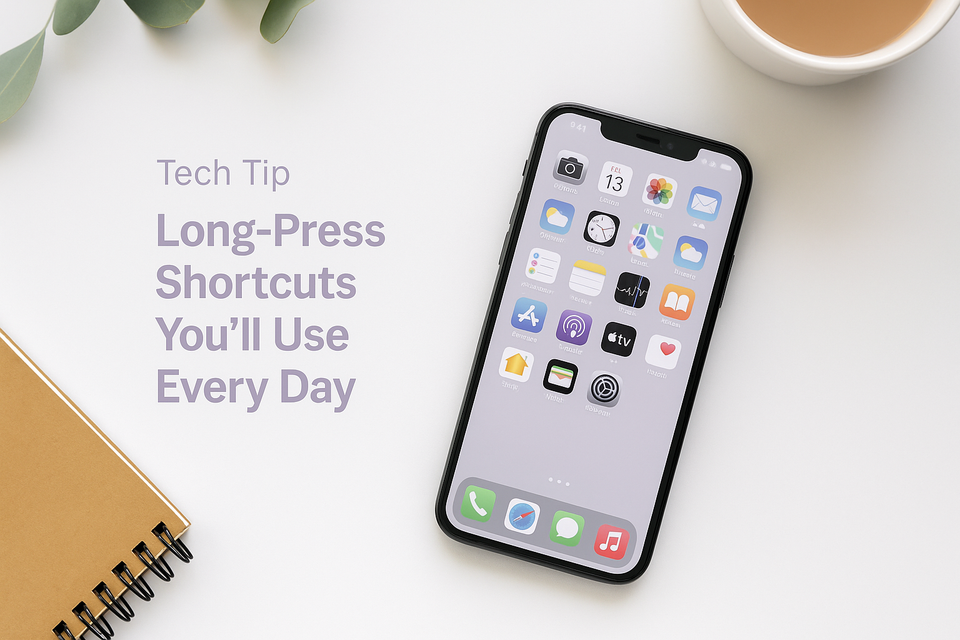
Most people tap their apps… but the real magic happens when you press and hold. A long-press reveals quick shortcuts that save time and make the iPhone feel smoother and smarter.
Here’s exactly what you’ll see and how each shortcut helps:
📸 Long-Press on Camera
You’ll see shortcuts like:
- Take Selfie
- Record Video
- Take Portrait
- Take Portrait Selfie
Perfect when you want to capture something quickly.
📝 Long-Press on Notes
You’ll see options such as:
- New Note
- New Checklist
- Scan Document
Great for instantly creating lists, reminders, or quick scans.
📞 Long-Press on Phone
You’ll see shortcuts like:
- View Last Call
- Create New Contact
- Search Contacts
✉️ Long-Press on Mail
You’ll see:
- All Inboxes
- Search
- New Message
No more scrolling through folders — straight to what you need.
💬 Long-Press on Messages
You’ll see:
- New Message
- Edit Pins
🕒 Long-Press on Clock
You’ll see:
- Start Timer
- Create Alarm
Brilliant for a quick pasta timer or early-morning reminder.
✨ Why This Tip Helps
Long-pressing turns your iPhone into a shortcut machine — fewer taps, less scrolling, and everything feels much quicker. Once you start using it, you’ll wonder how you ever managed without it.
If you found this helpful, you’ll love the rest of my Tech Tips — simple, practical ways to make everyday life run more smoothly.


Member discussion