📱Tech Tip: Do You Need to Close Apps on Your iPhone?
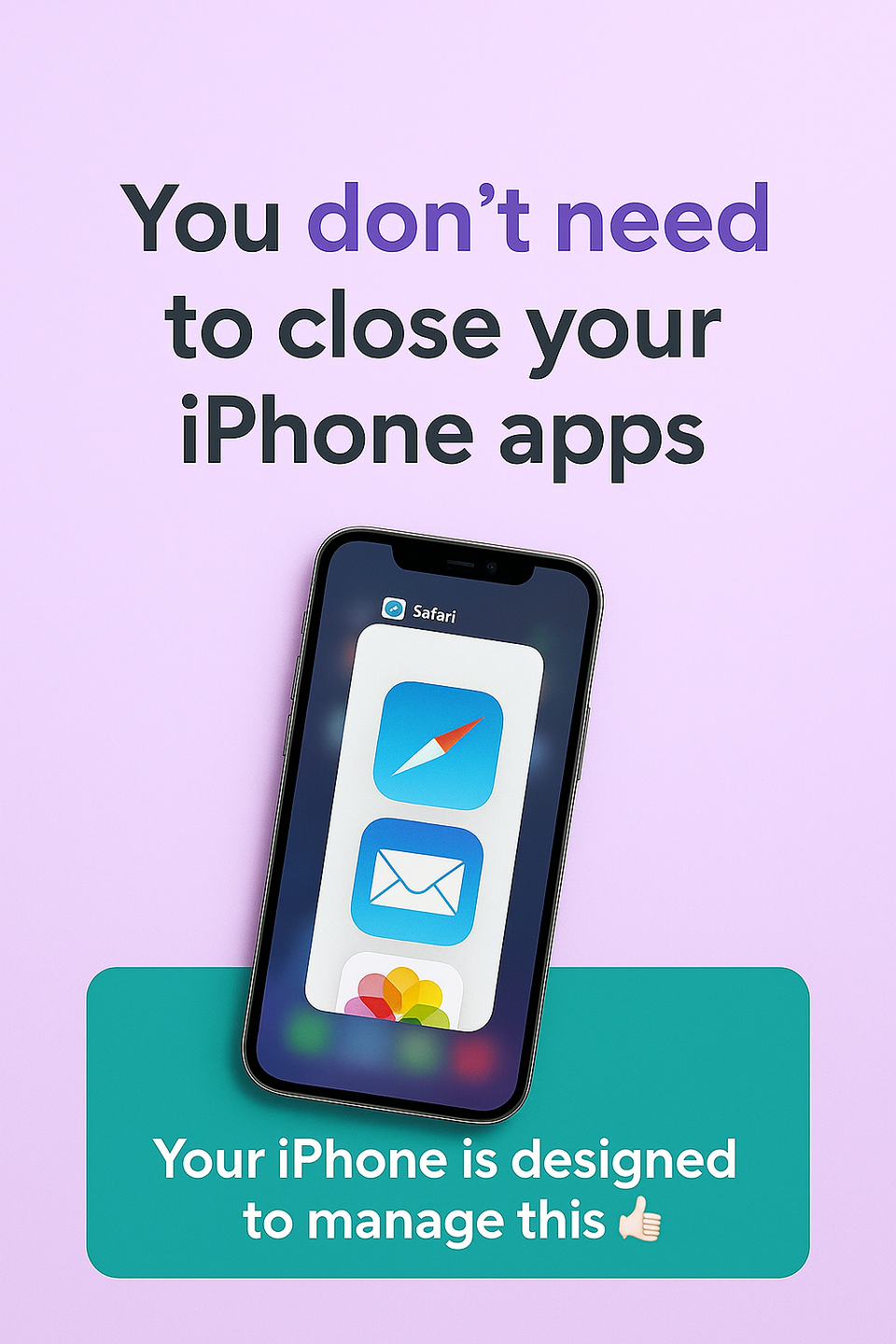
This is something I’ve always done — swiping away apps, assuming it helped my phone run better or saved battery.
It turns out, it doesn’t. And that genuinely surprised me (and I’m usually the “techy” one among my friends).
The short answer
No — you don’t need to close apps on your iPhone most of the time.
Your iPhone is designed to pause apps safely in the background. Closing them all the time doesn’t make things faster and can actually use more battery, because everything has to reload again next time.
When it is worth closing an app
- If it’s frozen or not responding
- If it’s clearly misbehaving
- If it’s using location or tracking (maps or fitness apps) and you’re finished
What about battery life?
Paused apps aren’t draining your battery. iOS is very good at managing what runs and what sleeps.
Swiping everything away “just in case” doesn’t help — it just adds another little task you don’t need.
The simplest rule
If your phone feels fine → leave it alone
If it doesn’t → close the app that’s causing the issue
Sometimes the best tech tip is knowing what not to bother with.
One less habit. One less thing to think about.
Kim - Living Life to the Full


Member discussion